Post Types Settings
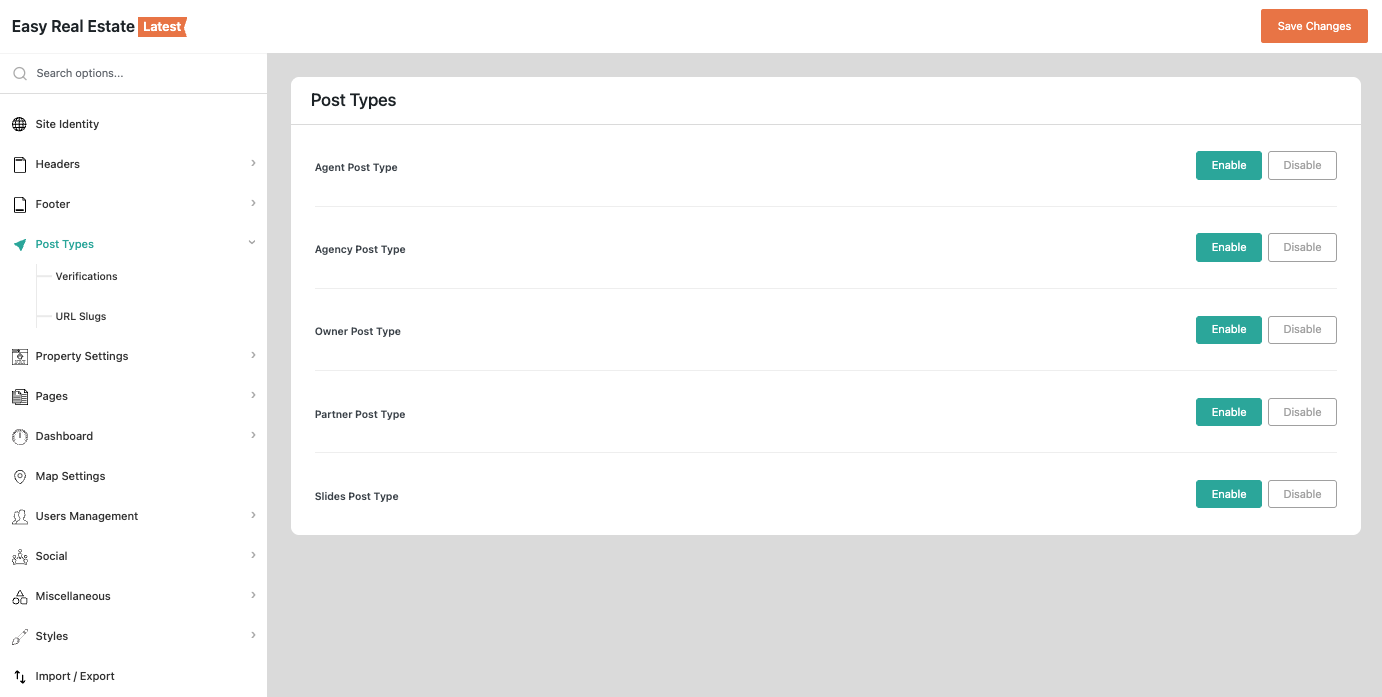
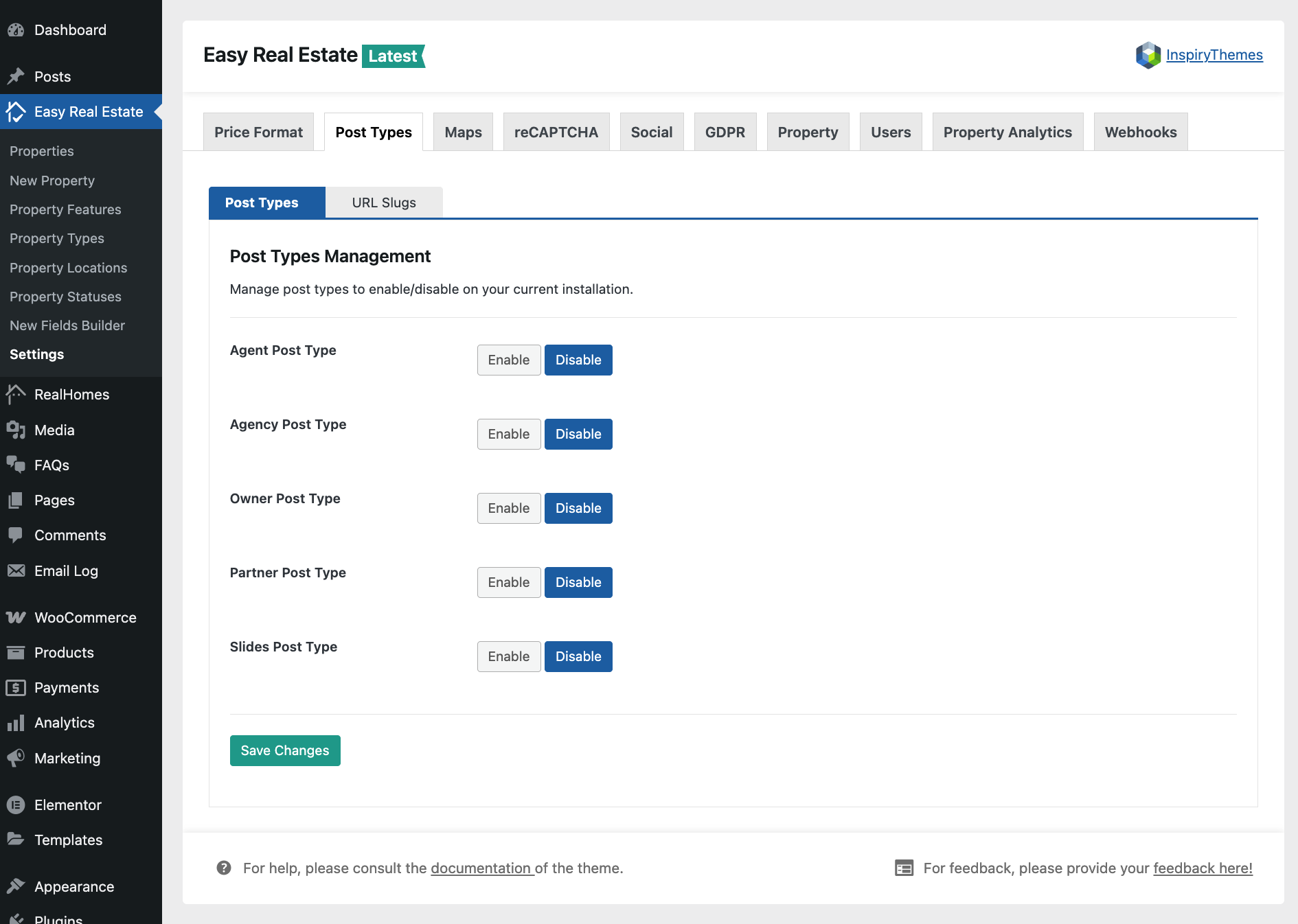
The Post Types settings allow you to manage custom post types included in the Easy Real Estate plugin, which is a component plugin of RealHomes. You can Enable or Disable specific post types based on the requirements of your real estate website.
To access and configure these settings, follow the navigation path based on your version of the RealHomes theme:
RealHomes Settings
➤ ➤ ➤
Legacy Settings
➤ ➤ ➤
Available Post Types
Under the Post Types section, you will see toggle options to manage the following:
- Agent Post Type
- Agency Post Type
- Owner Post Type
- Partner Post Type
- Slides Post Type
Simply click the appropriate Enable or Disable button for each post type according to your preferences and click Save Changes to apply the updates.
Crucial Step: Re-save Permalinks
Whenever you enable or disable a post type, it is highly recommended to refresh your site's permalinks to ensure proper URL behavior.
- Navigate to Dashboard → Settings → Permalinks.
- Scroll down and click the Save Changes button (no modifications needed on this page).