Dashboard Typography
The Dashboard Typography feature allows you to customize the fonts used throughout the frontend RealHomes User Dashboard.
To access these settings, navigate based on your version of the RealHomes theme:
RealHomes Settings
➤ ➤ ➤ ➤
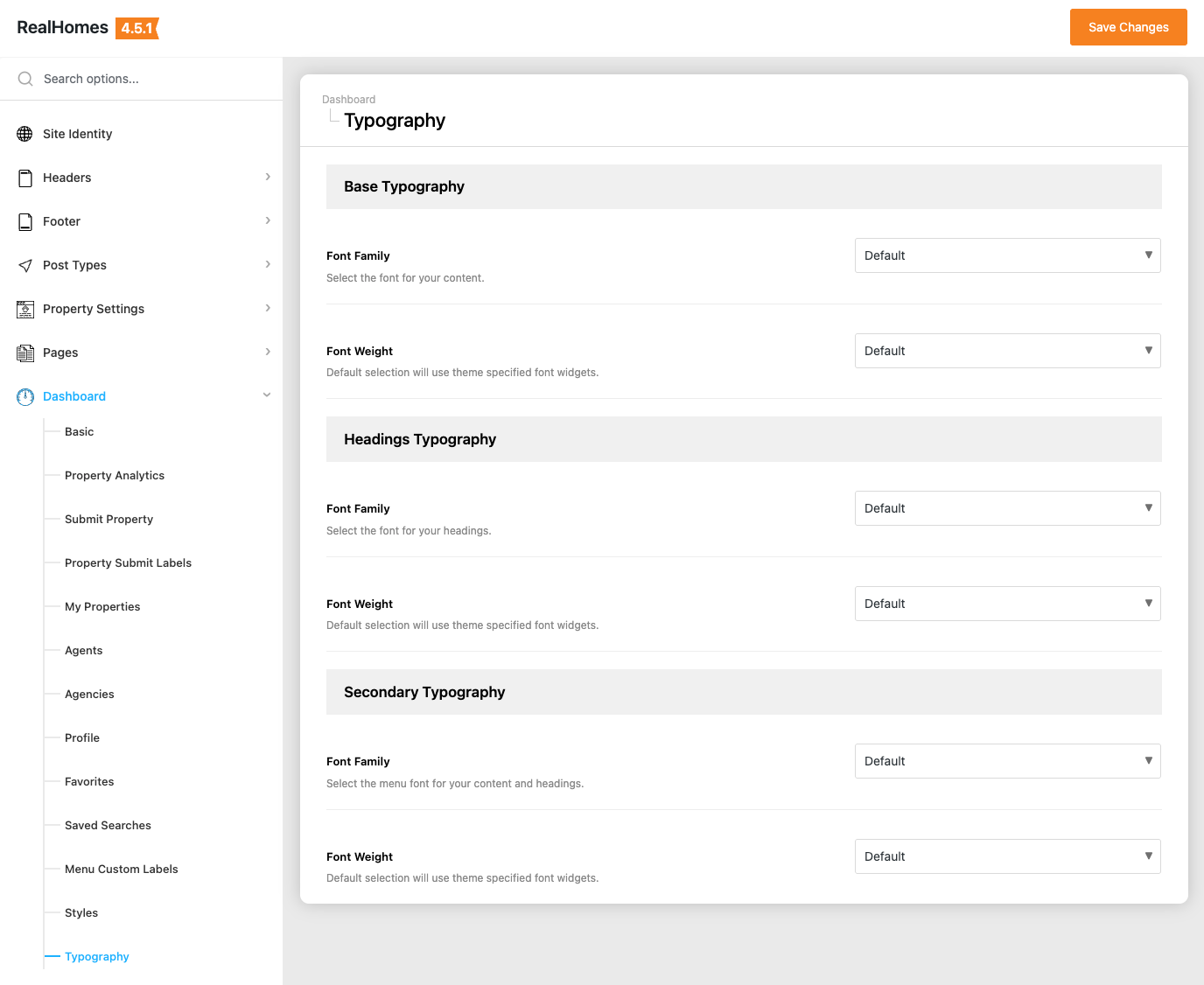
Legacy Settings
➤ ➤ ➤ ➤
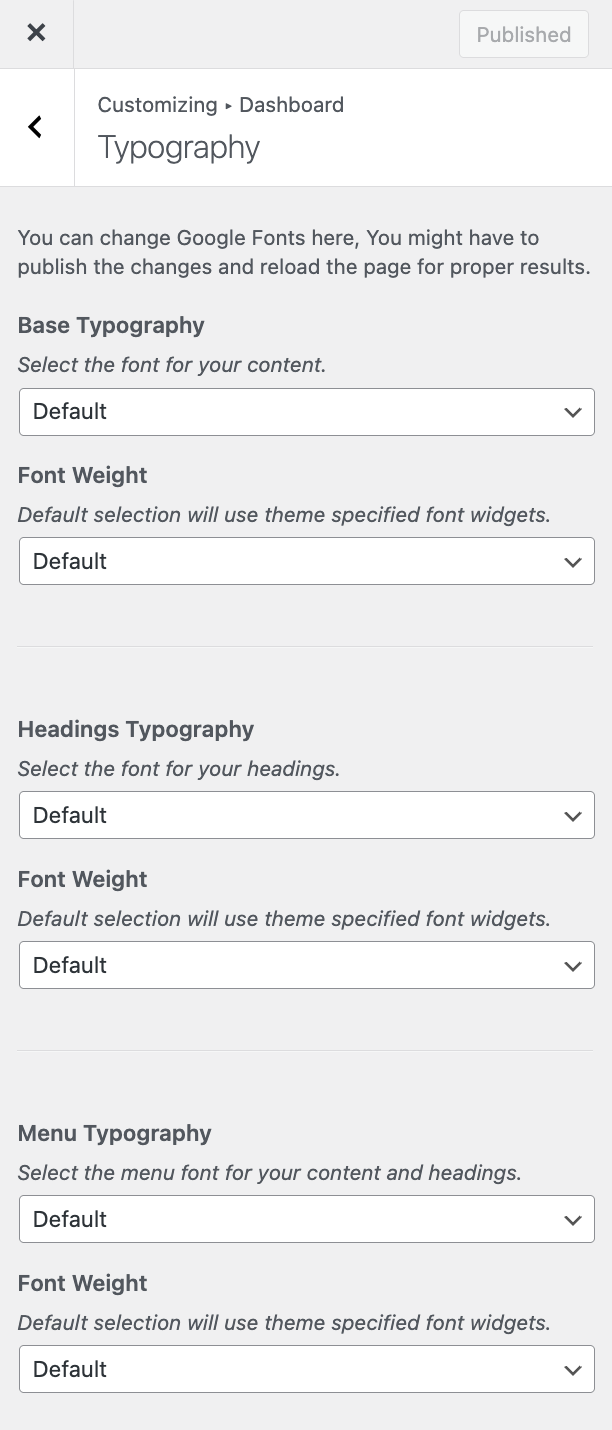
Available Settings
In this section, you can select fonts and font weights for different elements of the dashboard:
Base Typography
This setting controls the default body font used for the main content areas within the dashboard. * Base Typography: Select your preferred Google Font from the dropdown list. * Font Weight: Choose the weight for the body text (e.g., Normal, Bold).
Headings Typography
This setting applies to all the primary headings (H1, H2, H3, etc.) within the dashboard pages. * Headings Typography: Select the Google Font designated for headings. * Font Weight: Select the thickness of your heading text.
Menu Typography
This setting changes the font used for the dashboard's sidebar navigation menu. * Menu Typography: Select the Google Font for the menu items. * Font Weight: Adjust the weight to make the menu text stand out as desired.
Save and Reload
After changing these typography settings, make sure to click Save Changes. You may need to reload your frontend dashboard page to see the new fonts applied properly.