Arabic Demo Setup Guide
About Arabic Demo
The Arabic Demo provides a fully localized experience for Arabic-speaking markets. You can check it out live here.
Please ensure you have completed the Installation and Activation steps before proceeding with the demo import.
🛠️ Importing the Arabic Demo
To import the Arabic Demo content, follow these steps:
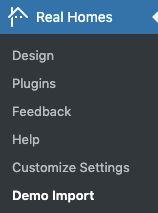
- Navigate to RealHomes → Demo Import in your WordPress dashboard.
-
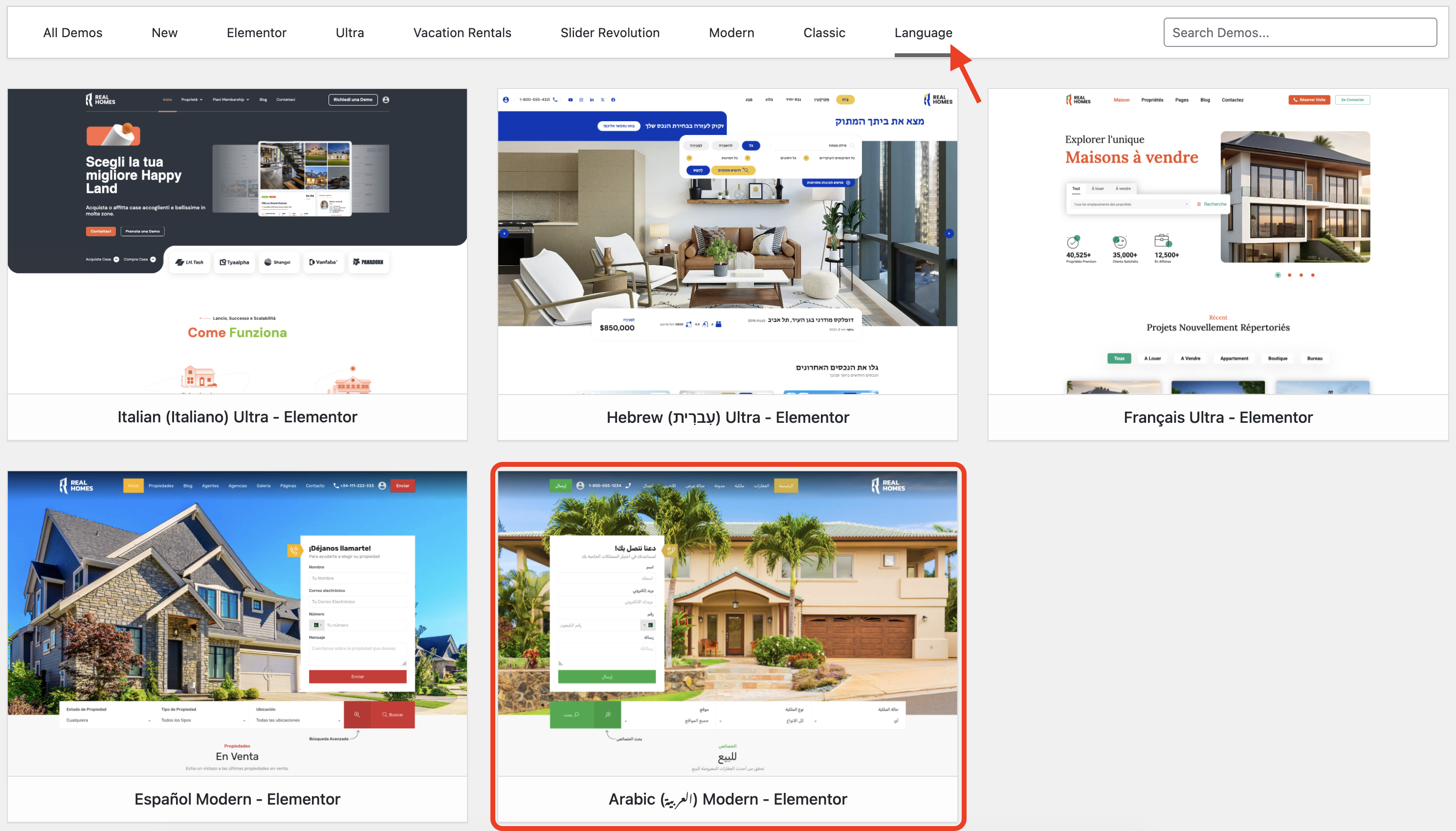
Click the Language tab and then click the blue Import Demo button under the Arabic Modern - Elementor option.
-
The system will check for required plugins.
- If any plugin is missing, it will be automatically installed.
-
Click Continue & Import to proceed with the demo content import.
-
The import process will begin. It may take a few minutes to complete as images and data are fetched from the server.
Having trouble importing?
If the import process doesn't complete on the first try, simply run it again.
This is usually due to server response delays or timeout issues during image downloads.
🌍 RTL Support
The Arabic Demo features comprehensive Right-to-Left (RTL) support. This includes mirrored layouts, properly aligned typography, and RTL-optimized UI components, ensuring a native experience for Arabic users.
✅ Demo Import Completed
Once the import is complete, you'll see a confirmation screen like the one below:
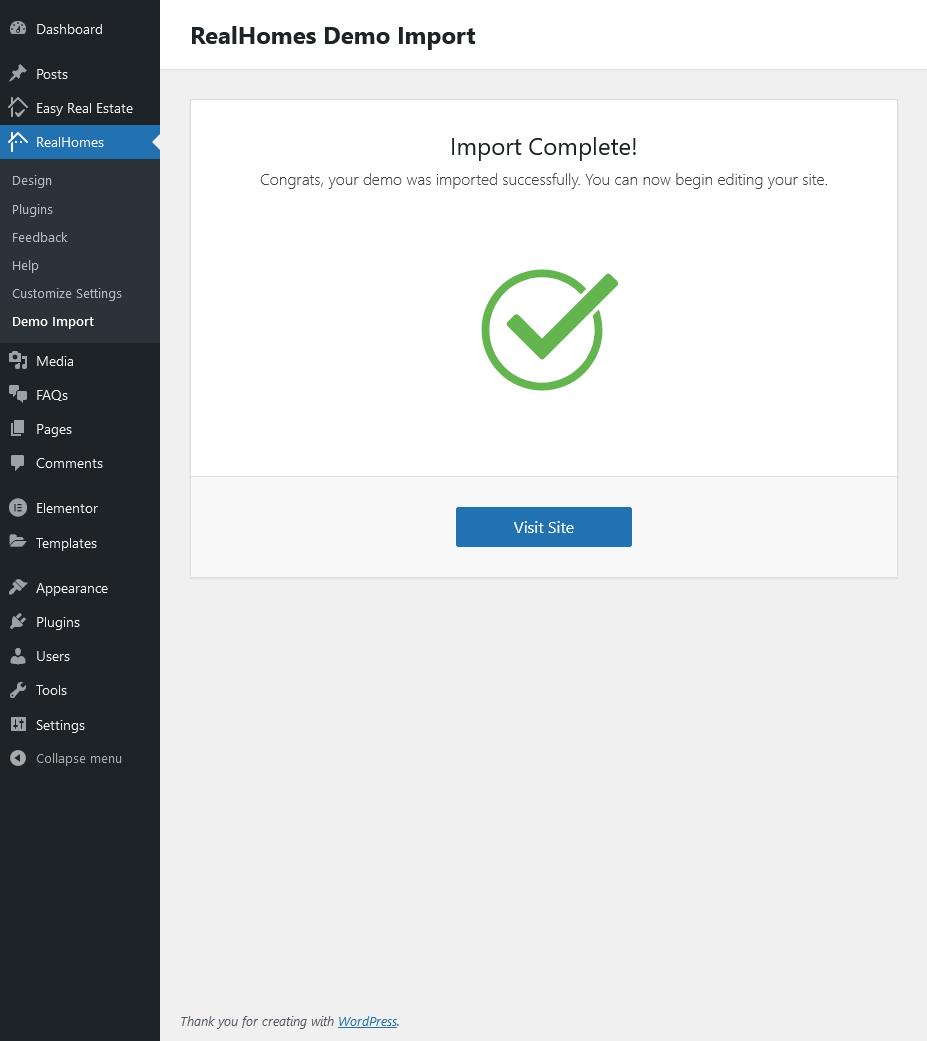
Now visit your website — it should look exactly like the Arabic Demo.
For further assistance, please register or log in to our support portal and submit your question.
Our support team will be happy to help you.