Configure Header Settings
Header Panel
To explore further settings, navigate to the following path based on your version:
RealHomes Settings
➤ ➤ ➤
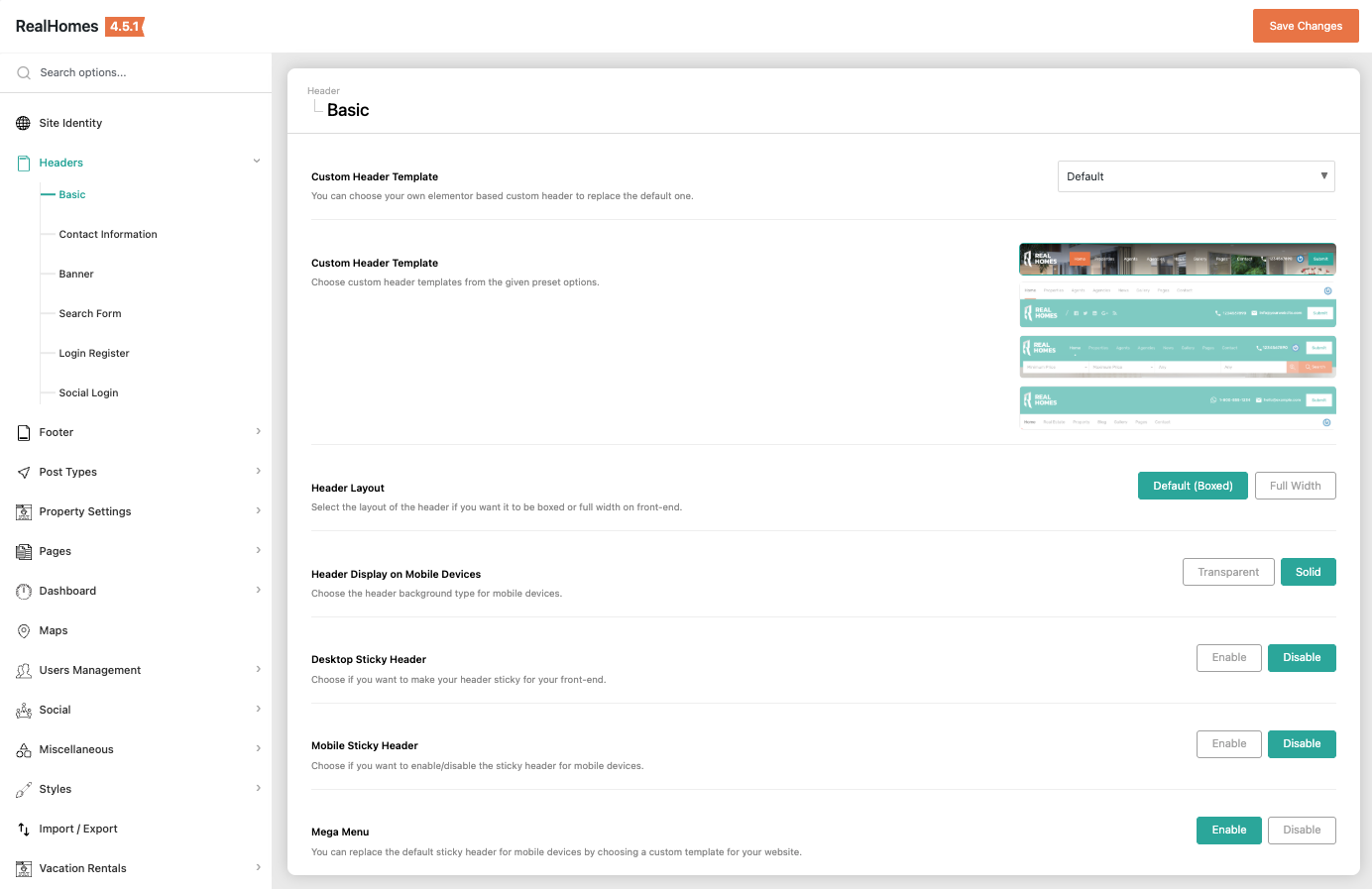
Legacy Settings
➤ ➤
Explore Site Identity and Headers section to explore further settings.
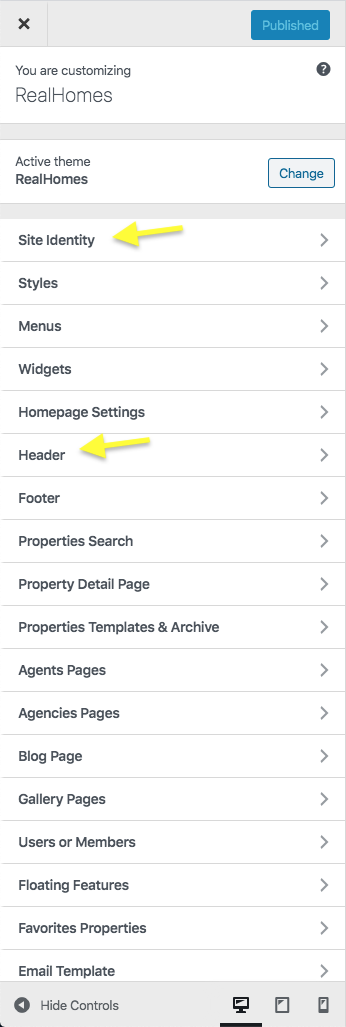
Site Identity
Navigate based on your version:
RealHomes Settings
➤ ➤ ➤
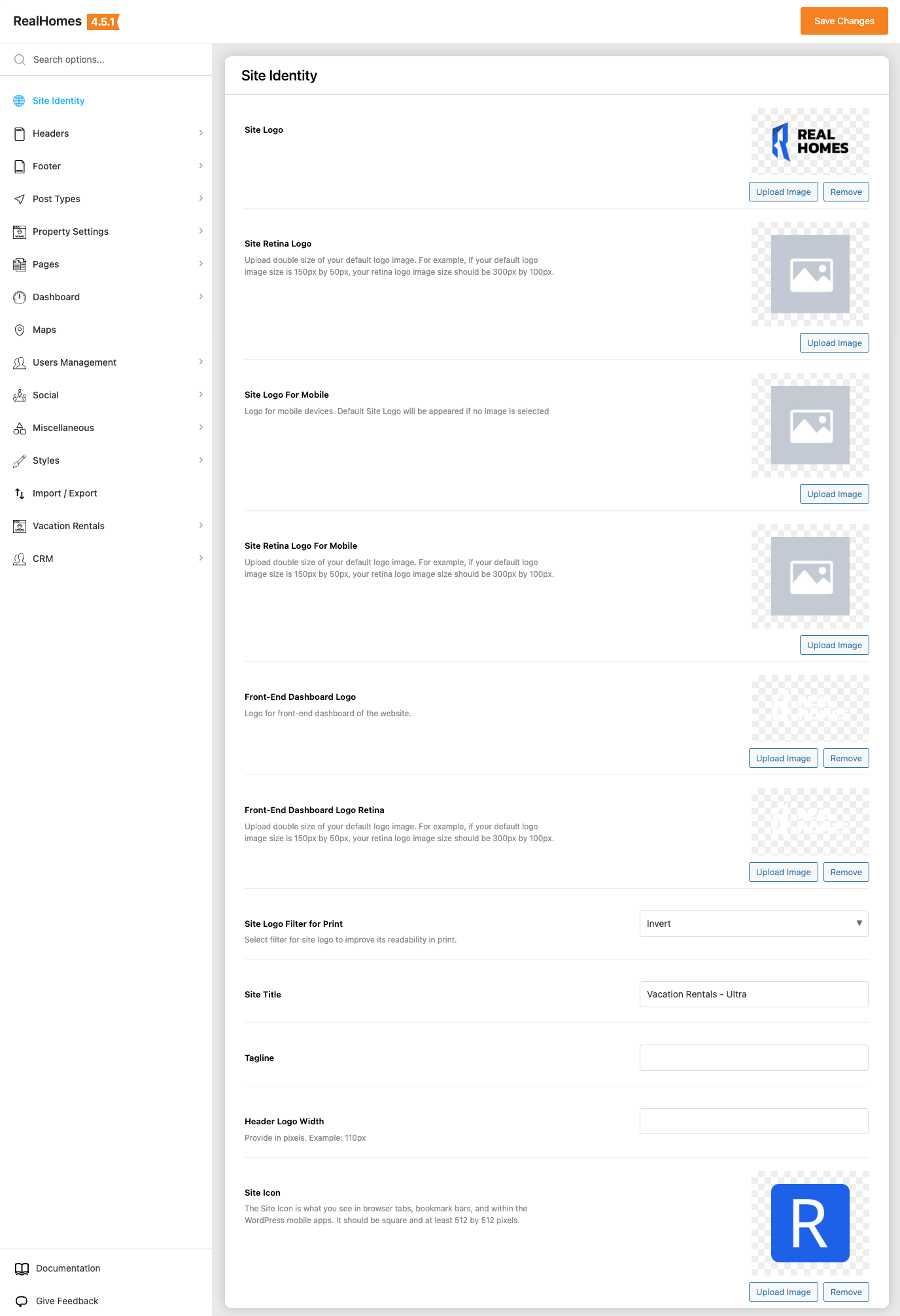
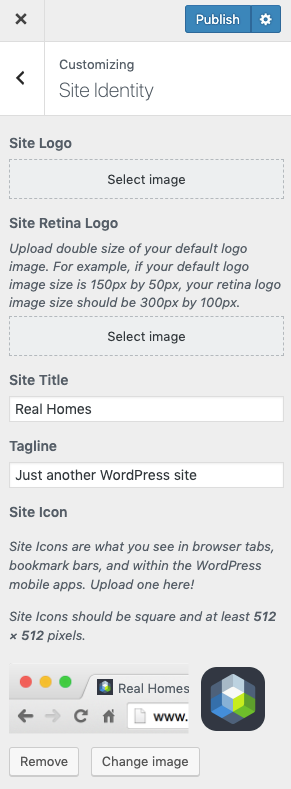
Legacy Settings
➤ ➤
You can upload your site's logo, retina logo, title, description tag and site icon from this section.
Create Custom Header
You can create your own Custom Header using Elementor (free version) with RealHomes. You can consult this section of the documentation to learn how.
Header Settings
You can customize almost all the components of the header from this section.
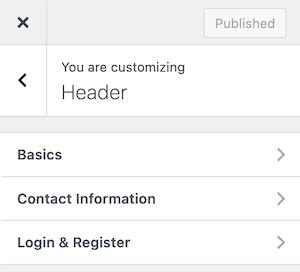
Basics (Header Template & Sticky Header)
Navigate based on your version:
RealHomes Settings
➤ ➤ ➤ ➤
Legacy Settings
➤ ➤ ➤ ➤

Important
If you have created your header with Elementor, follow the instructions provided in this guide to make it sticky.
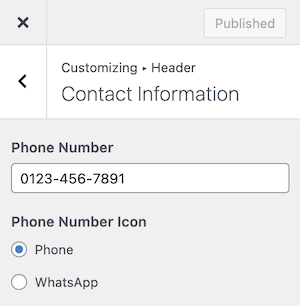
Contact Information
Navigate based on your version:
RealHomes Settings
➤ ➤ ➤ ➤
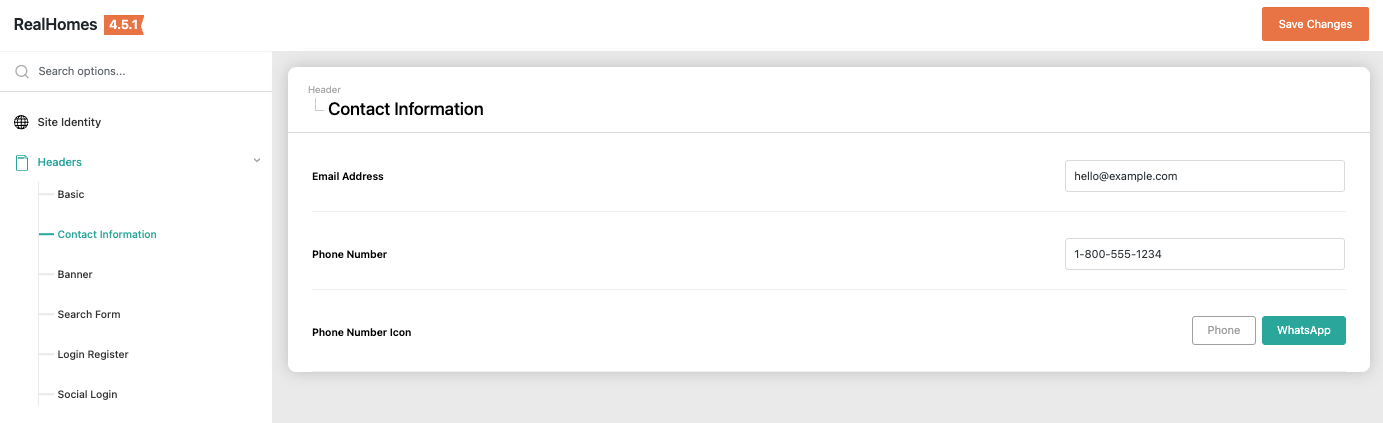
Legacy Settings
➤ ➤ ➤ ➤
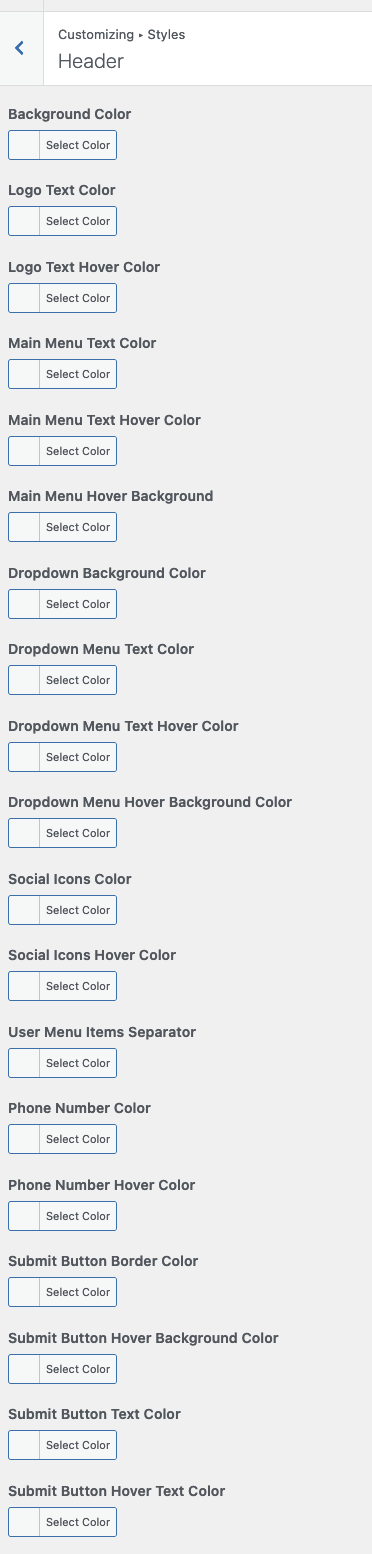
Header Styles
To change header styles for Ultra Design please navigate based on your version:
RealHomes Settings
➤ ➤ ➤ ➤
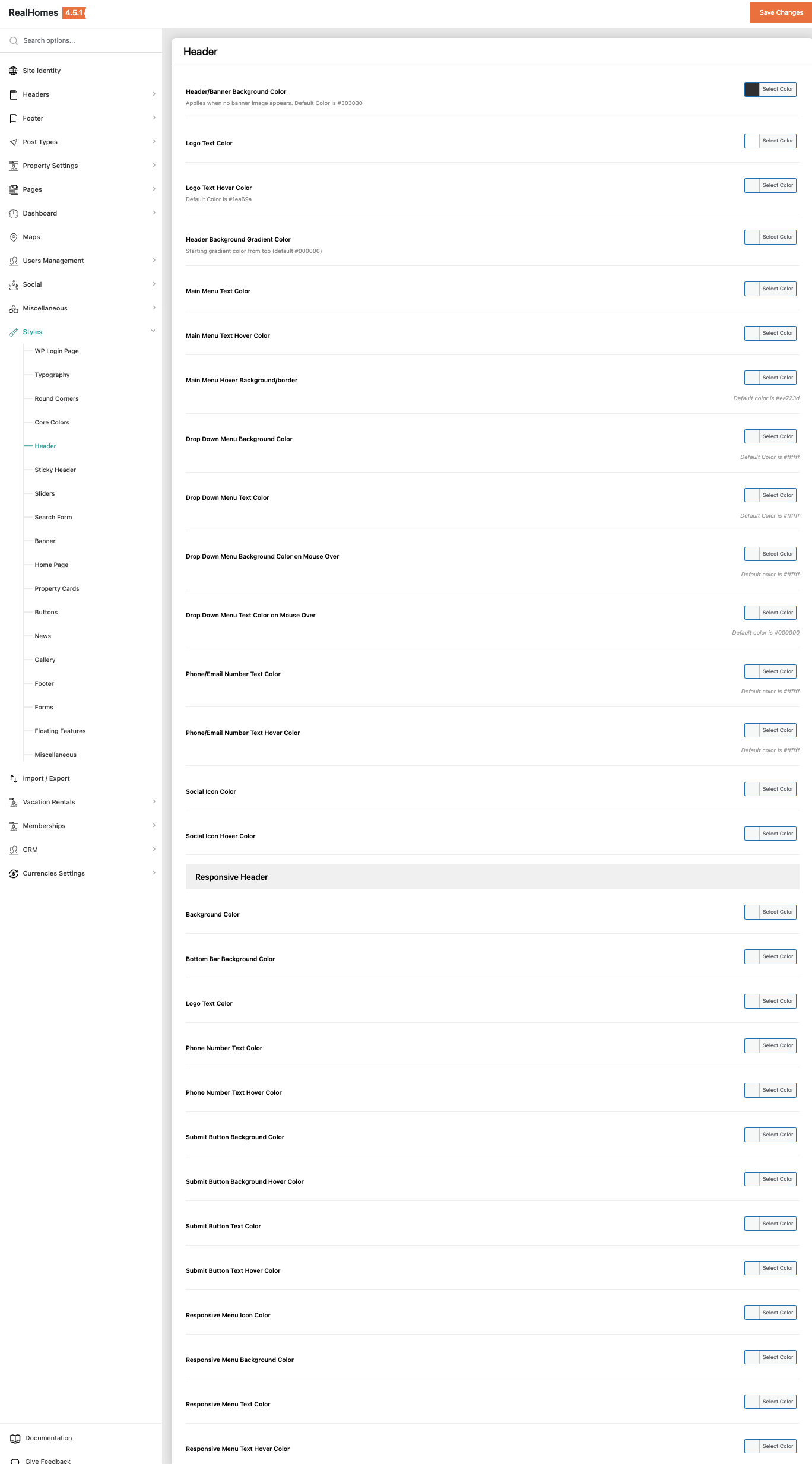
Legacy Settings
➤ ➤ ➤
Make sure that you have selected My Own Custom Colors in Styles → Default or Custom so the style changes can work properly.
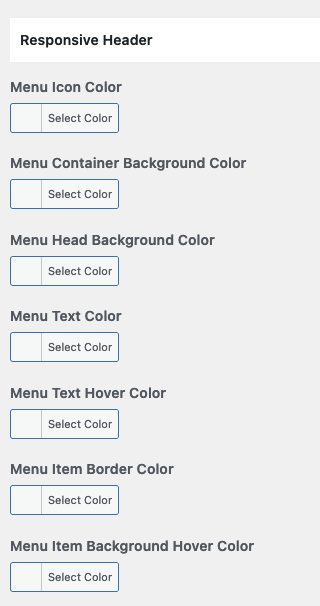
Responsive Header Styles
If you would like to modify the header styles for small screens then you can go to Styles → Header and scroll down to find Responsive Header styles.
Sticky Header Styles
You can modify sticky header styles by navigating to Styles → Header and scroll down to find Sticky Header styles.
